



Welcome to Ulster University
We’re delighted to have you on campus! To help you stay connected during your visit, Ulster University offers free WiFi across all campuses. Getting online is quick and easy, just click “Get Online” and follow the prompts. By signing in, you confirm your agreement to our Terms and Conditions of Use, designed to keep your browsing secure and hassle-free. Enjoy your visit and stay connected!
How do I connect to the WiFi network?
To connect to the visitor WiFi follow the instructions below:
1. WiFi Settings
On Windows
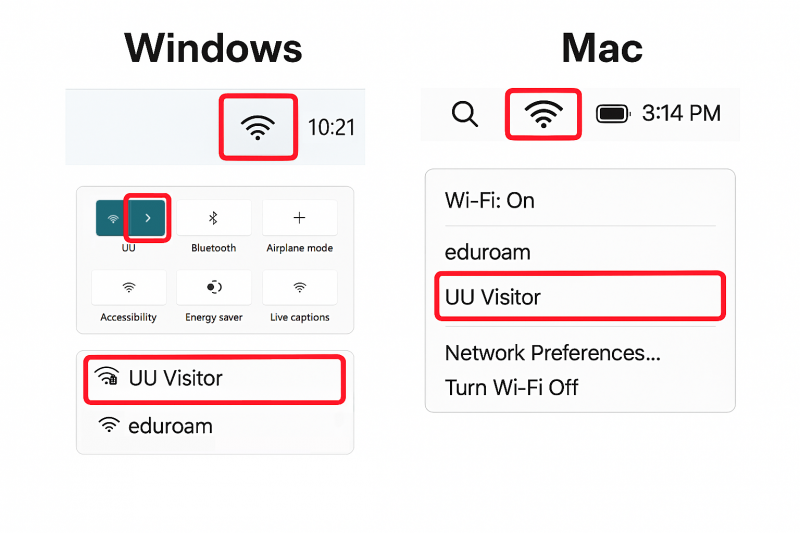
- Click the WiFi icon on the taskbar (located near the system time and battery icon).
- In the quick settings panel, select Wi-Fi to view available networks.
- From the list of networks, find UU Visitor and click to connect.
(Ensure you select UU Visitor, which is highlighted in the image. If prompted, accept the terms and conditions.)
On Mac
- Click the WiFi icon in the menu bar.
- A dropdown menu will appear showing available networks.
- Select UU Visitor from the list to connect.
(If required, confirm any prompts and agree to the terms and conditions.)
2. Get Online
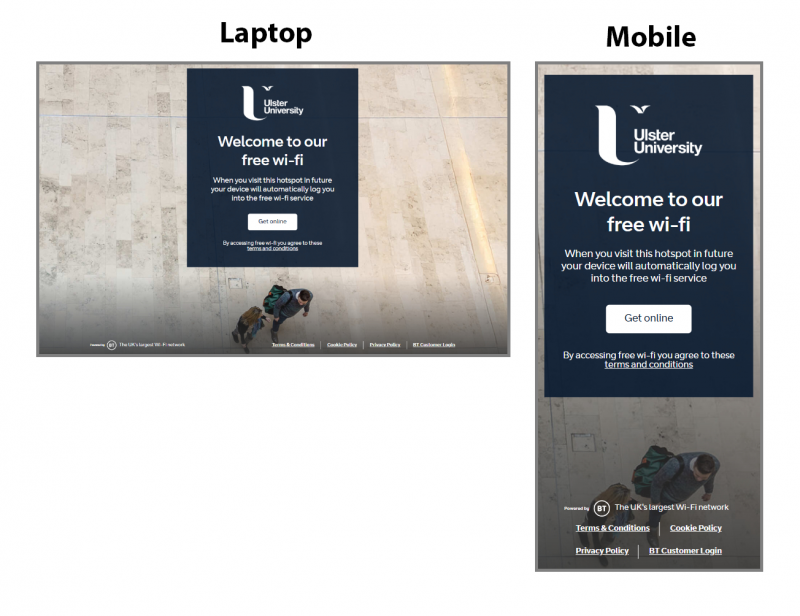
Click on the "Get Online" button. By connecting you are agreeing to the Terms and Conditions of use.
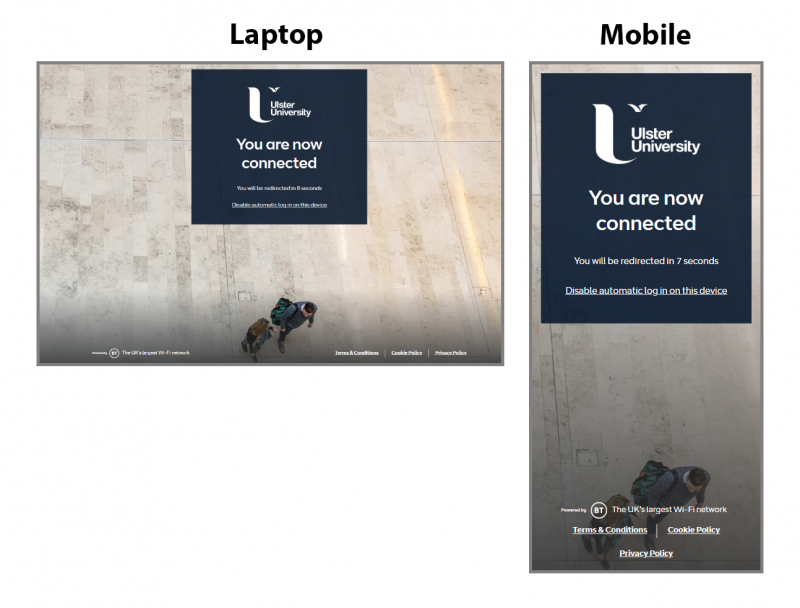
3. You are now connected
You are now connected. You should be automatically redirected to a page on the Ulster University website.