



Page content
Smooth‑running virtual meetings don’t happen by accident. A few simple do’s and don’ts help everyone stay focused, connected, and productive.
This guidance outlines what’s expected from both key roles:
- Chair, who steers the meeting and keeps discussions on track
- Attendees, who come prepared and participate responsibly.
Do's and Don'ts for Videoconferencing
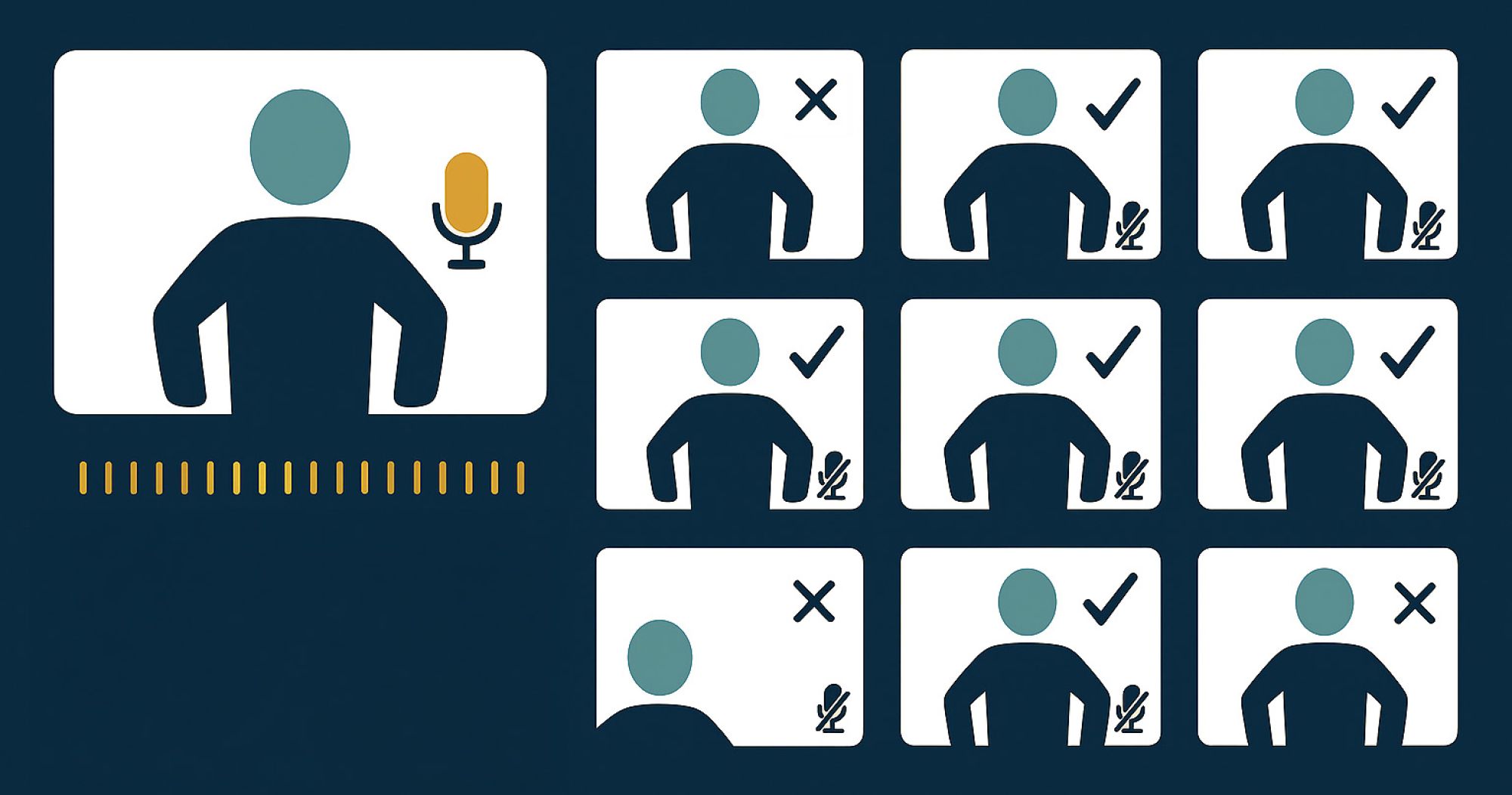
By following these quick best‑practice tips using tools effectively, managing audio and video, and staying present we can make every virtual meeting clearer, more efficient, and more enjoyable for everyone.
Chairing a Virtual Meeting
- Send all relevant papers ahead of time including clear Agenda
- If using security features such as passwords, distribute in a controlled manner and never on social media
- View attendance list, allow a little time at beginning to ensure successful connections
- Verify connectivity, check all have audio and video
- Seek permission from all participants beforehand if you intend
to use any recording functionality - Remind attendees of best practice
- Mute unless speaking
- Add video only when speaking as it can affect bandwidth
- Make a point by ‘raise hand’ or use any chat area to alert Chair
- Address participants by name
- Monitor any meeting messages throughout
- Summarise where necessary any action items
- Provide a definite conclusion to the meeting
- Reach out to those who were absent
- Ensure notes/actions are sent promptly
- When screen sharing, pop‑up notifications will be visible to everyone; users are encouraged to set their Teams status appropriately to reduce interruptions.
- If participants join the meeting from their own devices while physically in the room, they should mute both microphone and speakers to prevent audio feedback.
All attendees should
- Respond to meeting notices promptly
- Test any equipment needed or links provided in advance
- Have back up plan including technical support contact details at hand
- Be punctual, connect promptly
- Adjust your camera so your self view is appropriately framed
- Closing curtains/blinds in your room may improve visual quality
- Familiarise yourself with the meeting tools
- Mute button
- Raise hand or conversation area
- Content sharing
- Ensure mute selected when not in conversation
- Limit background noise
- With a large group of attendees, state your name before speaking to identify yourself to others.
- Avoid multi-tasking during meeting
- Try not to move around when speaking
- If you join the meeting from your own device while physically in the room, you should mute both microphone and speakers to prevent audio feedback.