


The Discovery Academy Sign-up Guide
Please follow this step-by-step sign-up guide to get started.

Sign-up
You can choose between this video guide or the text guide below.
Remember, you can pause this video as required for each step.
Your Step-by-Step Sign-up Guide
Step 2
Scroll down the page and then click on the button as shown in the picture below, to take you to the the Discovery Academy Course Catalogue.

Step 3
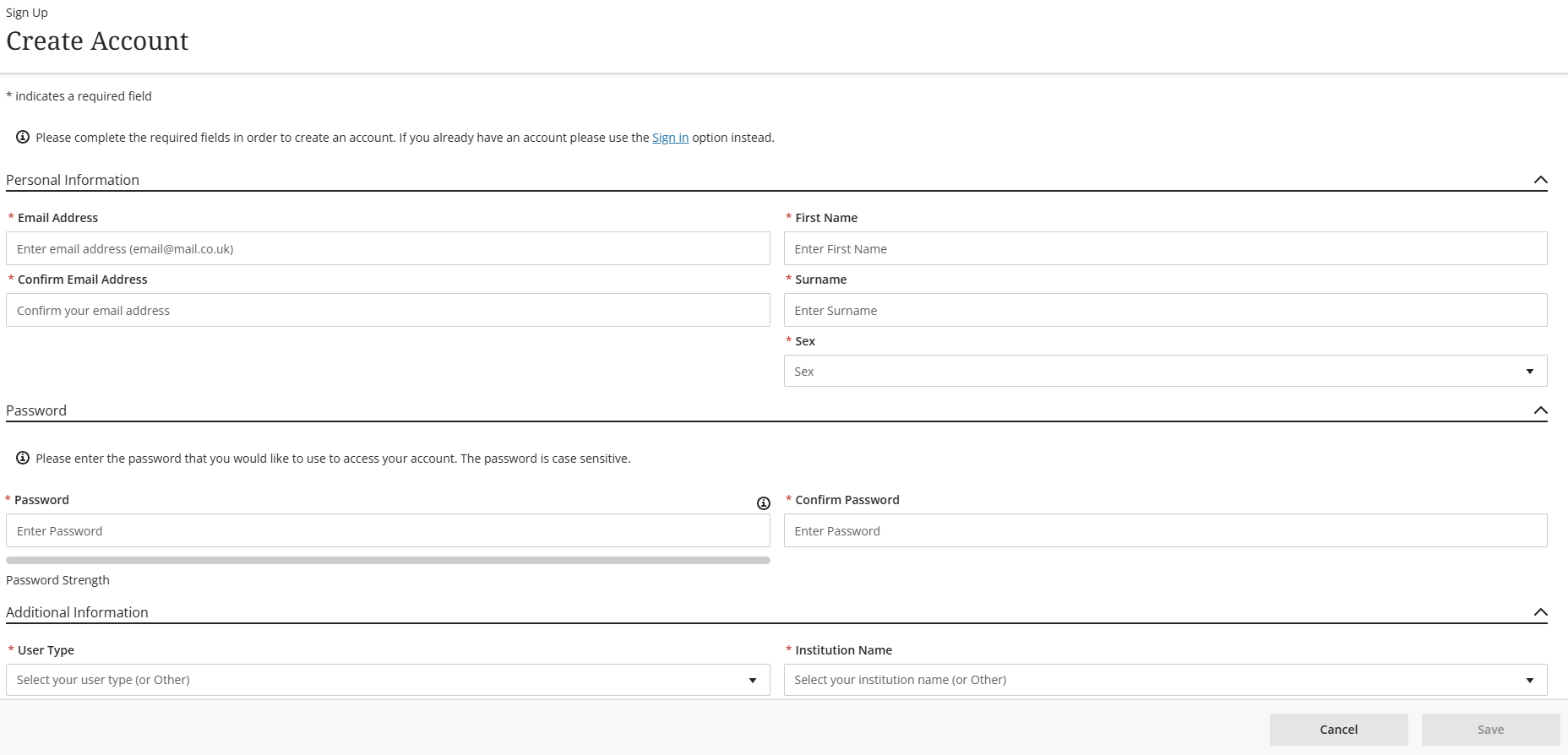
If this is your first time using the Discovery Academy, click on the sign up button and enter all your details to create your account.
If you already have an account, click the sign in button, enter your email, and follow Step 4.
Please note that passwords must:
- be between 8 and 20 characters long
- have a minimum of 1 numerical, 1 uppercase, 1 character - !@£$%^&*()_
Step 4
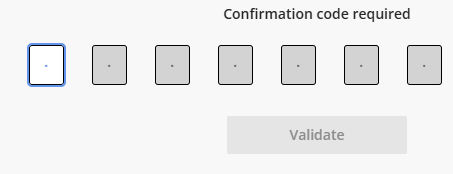
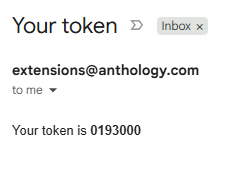
You will receive an email to your chosen email address. It will contain a 7 digit security token (see example below). Enter this number into the boxes to verify your account.
Step 5
You will now be directed to log in, using a second token (the second token is only applicable to the first sign-up/registration).
Please note:
- Your email address is you username.
- Every time you attempt to log in, a new 6 digit token will be sent to your email address (the token can take up to 1 minute to arrive).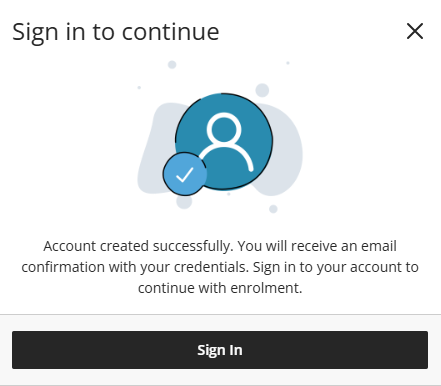
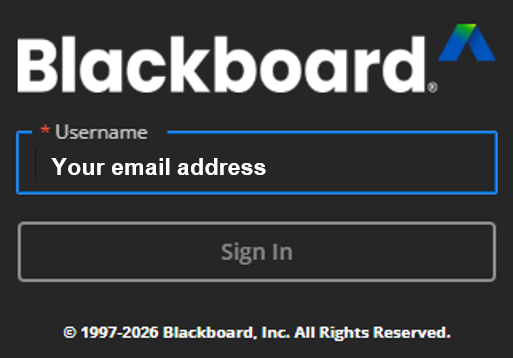
Step 6
Browse our courses, select one you wish to study, click to open the course and then click the black enrol button to access the course.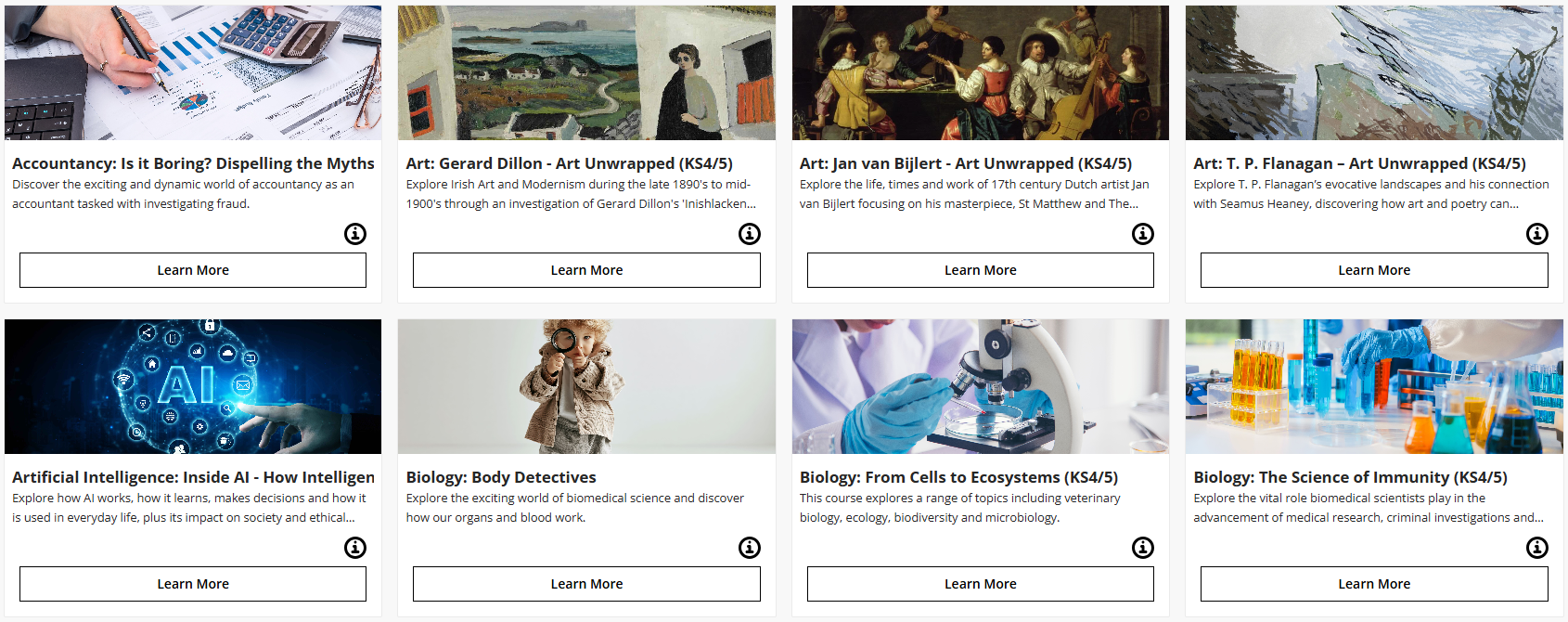
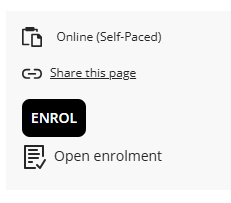
Step 7
Start your course and enjoy your journey with Ulster University.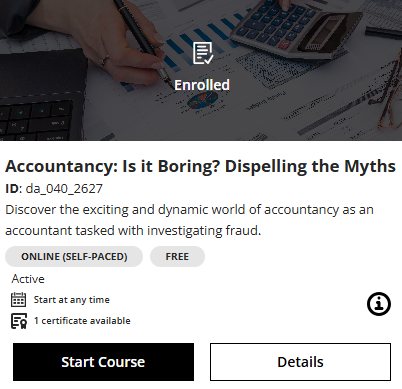
Need Help?
Need help? Contact us at: schools@ulster.ac.uk
Please note:
- Your email address is your username.
- Every time you attempt to log in, a new 6-digit token will be sent to your email address.